Beta
How to become a trivia host
Trivia hosting is part performance, part logistics. Here is what it takes to land venues, prepare a good set every week, keep the game fair and handle the team that is sure you got it wrong.
No credit card needed to try it.
What a trivia host actually does
A trivia host writes or curates the questions, sets up the equipment, reads the questions, keeps time, scores the answers and keeps the room entertained between rounds. On a good night, the host makes 15 tables of strangers feel like they are at the same party.
Many hosts come from karaoke and DJ work: they already own a speaker and a mic, know the bar managers in town and are comfortable talking to a room. Others are teachers, comedians or simply the friend who always won trivia and decided to try the other side of the mic.
Landing your first venues
Start with bars you already know. Ask the manager which night is slowest and offer to run a trial month. Bring a clear pitch: how long the night runs, what equipment you bring, what the venue needs to provide (usually a TV and a table near an outlet) and how you will promote it.
Once you have one steady night, the second venue is easier. Managers talk to each other, and a busy Tuesday at one bar is the best reference you can have.
Running nights at several venues
Working three or four venues a week is where hosting gets demanding. Each venue has its own regulars, its own crowd and often its own preferred format. Keep each venue's standings separate, and track which question sets you used where, so you do not repeat a round at the same bar.
- Build one round format you trust and reuse it, adjusting only the questions.
- Keep a log per venue: date, questions used, winners.
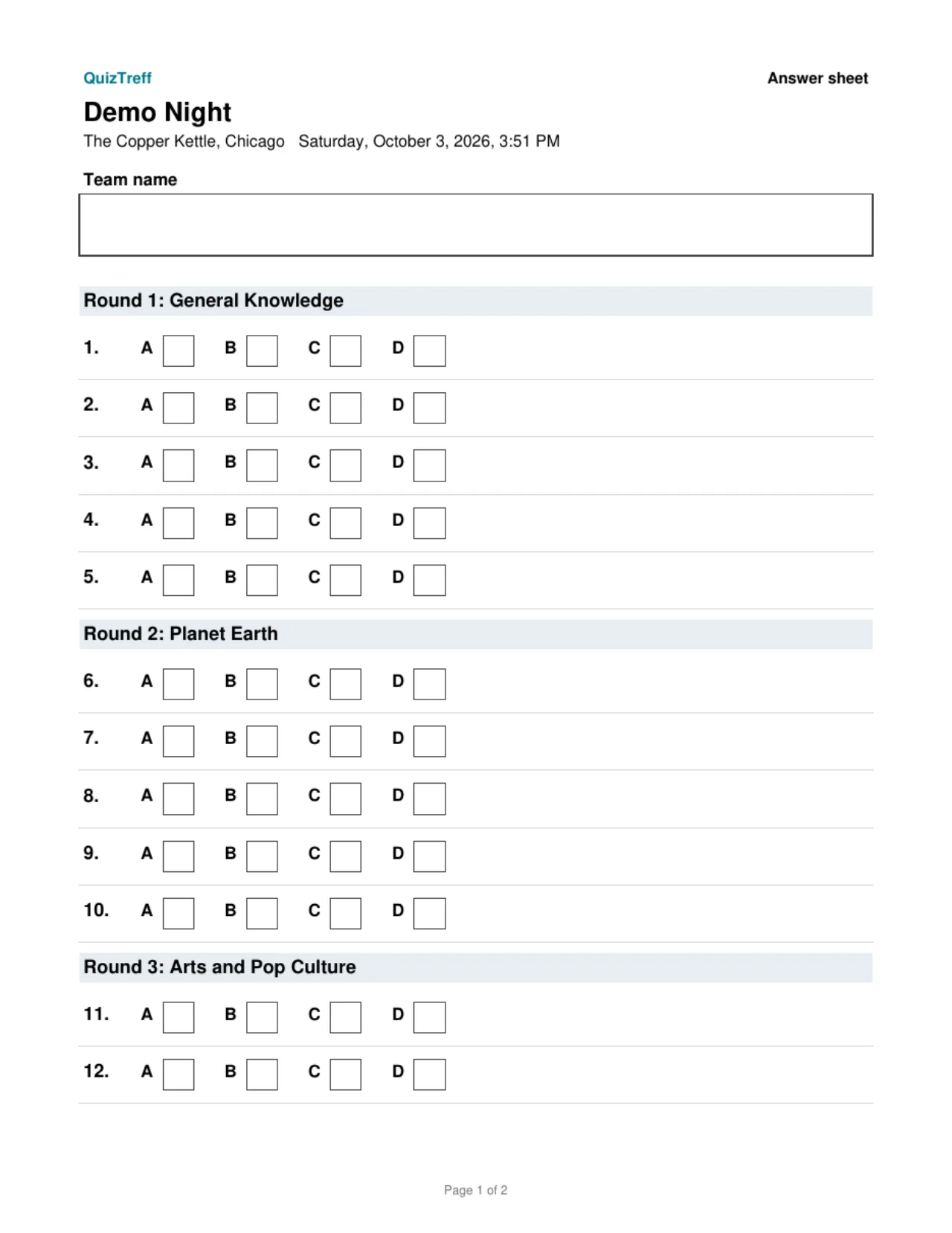
- Pack the same kit every night: laptop, cables, mic, printed answer sheets, pens.
- Arrive 30 minutes early to set up and test the screen.
Preparing content week after week
Writing 50 to 70 good questions every week is the hardest part of the job. Aim for a mix where every team gets something: a few easy wins, a solid middle and two or three that only one table will know. Check every answer against two sources, and write down the source so you can point to it later.
Short explanations make reveals more fun. A one-line fact after the answer (why the Golden Gate Bridge is painted that color, who actually said a famous quote) turns a missed question into a good moment instead of a groan.
Keeping it fair and handling disputes
Every host eventually faces a table that is sure their answer should count. Set the rules up front: how strict you are on spelling, whether partial answers earn half points, and that phones are off limits. Then apply them the same way to every team, including the regulars you like.
When a dispute comes up, listen, check your source and decide quickly. If you change a score, say so on the mic and note why. In QuizTreff, every score correction is logged with its reason, so you can show exactly what changed if the question comes up again next week. Automatic answer locking at the end of the countdown also removes the most common argument: whether a team turned in their answer in time.
What you can do with it
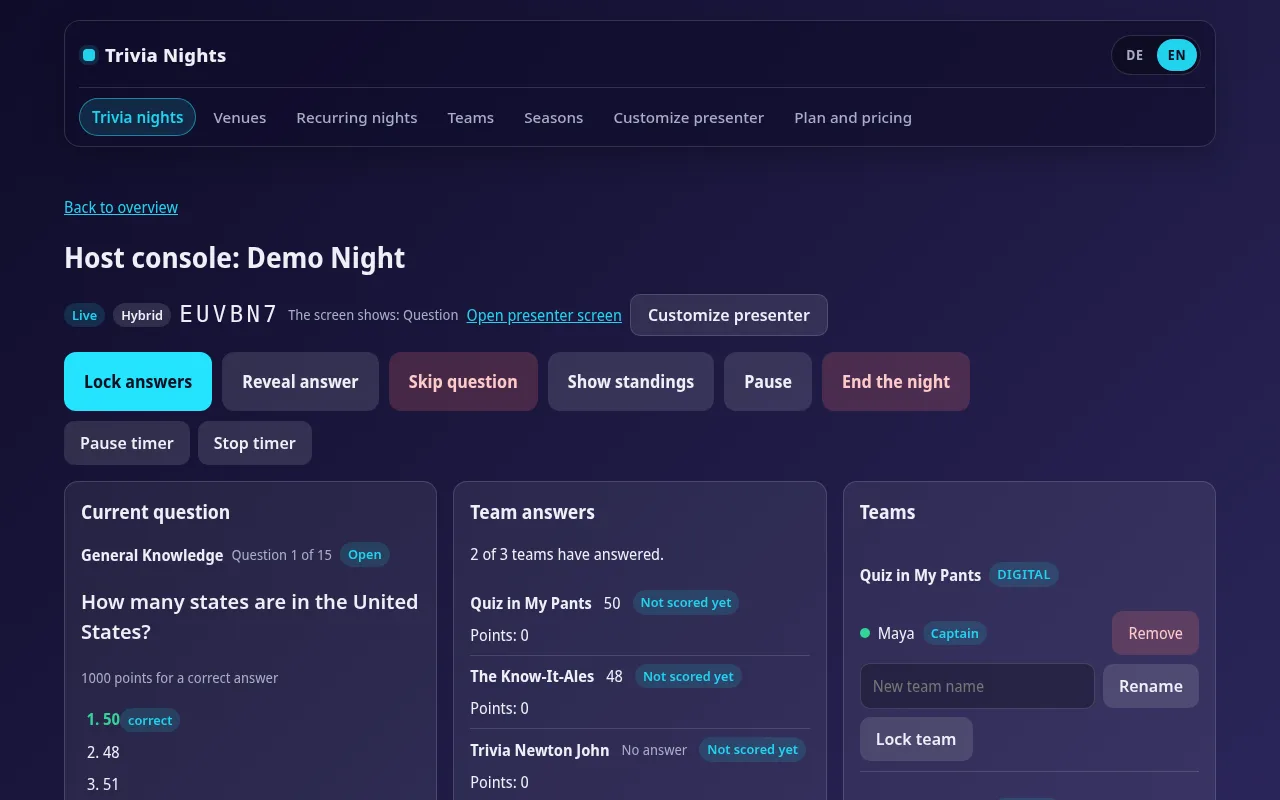
Host console
Run rounds, questions, timer and reveals from a laptop or tablet.
Templates
Save your round format once and reuse it for every night in a series.
Recurring nights
Weekly or monthly nights are created ahead of time automatically.
Traceable corrections
Every score change is logged with a reason, even after the night ends.
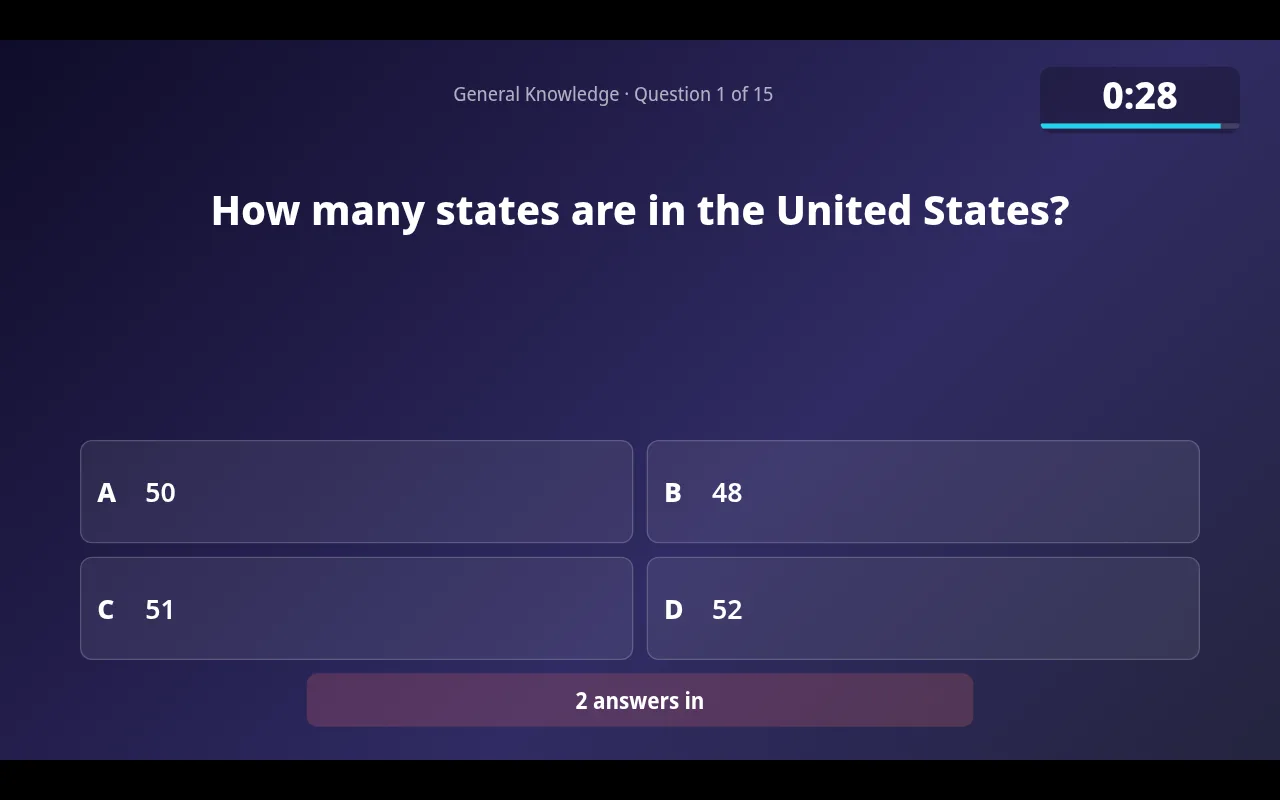
Automatic answer lock
Answers close when the timer runs out.
Answer explanations
A short explanation appears on the big screen after the reveal.
Tested for nights with up to 200 players.
See it in action
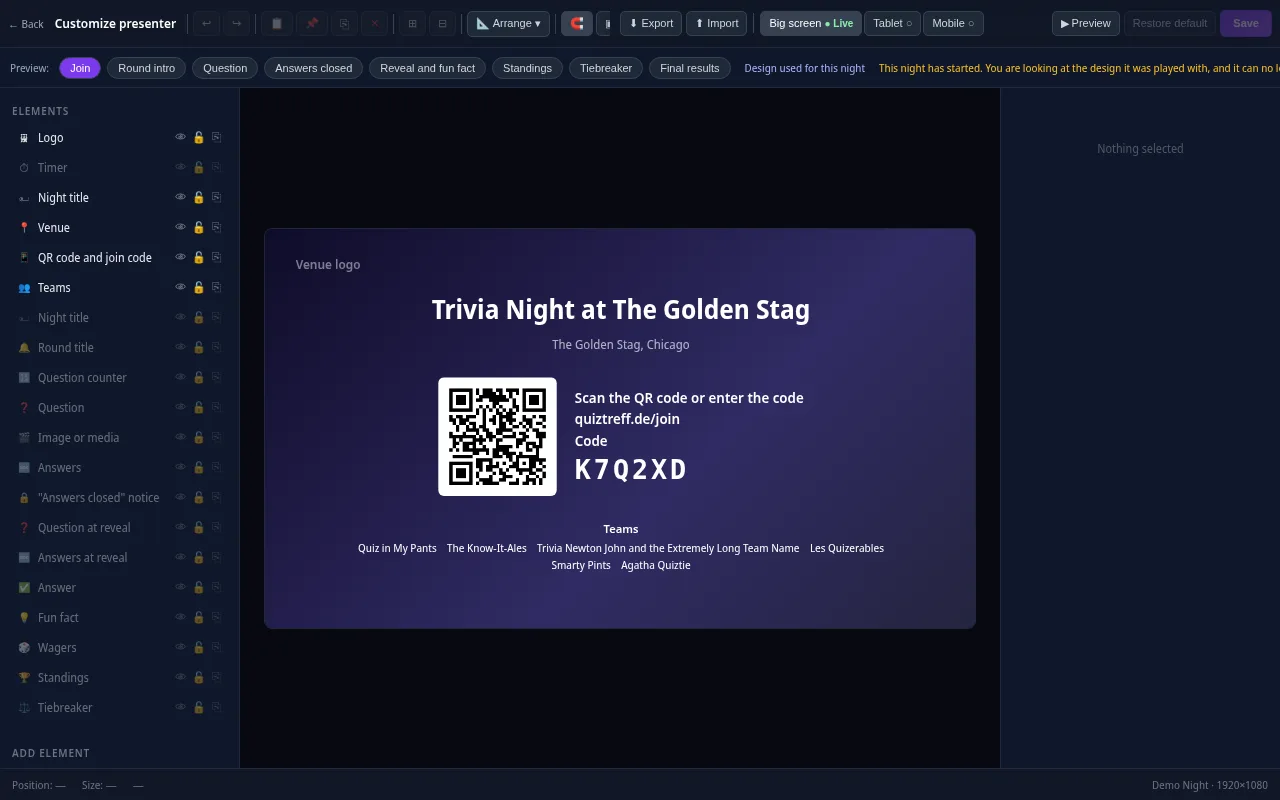
Presenter editor
Design your presenter screen down to the pixel
Every trivia night looks the way your venue wants it to. Drag the question, answers, timer, QR code and standings anywhere and resize them with your mouse.
- Move and resize every element freely, with guides and a grid
- Colors, font size, borders, corners, shadows and opacity for every element
- Upload your own images and add free text, boxes and badges
- Design eight screens separately: join, round start, question, answers locked, reveal, standings, tiebreaker and final results
- Preview for projector, tablet and phone, also in full screen
- Save it as a template and apply it to a venue or a whole series
Included in every plan, also during the free trial.
Frequently asked questions
Do I need my own equipment to host trivia?
Usually a laptop, a mic and a speaker. Most venues provide the TV. Check what each bar has before your first night.
Where do trivia hosts get their questions?
Many write their own, and some buy question sets from writers. QuizTreff includes only a short starter quiz for testing. You add your own rounds and reuse your format as a template.
How do I handle a disputed answer?
Listen, check your source and rule quickly. Announce any score change. QuizTreff records each correction with a reason so the history is clear.
Can I keep standings separate for each bar?
Yes. In QuizTreff each venue can run as its own series with its own season standings.
Is it hard to run trivia and DJ or karaoke at the same venue?
Many hosts do both. Trivia needs a screen and a quieter room for the questions, so keep the music between rounds and turn it down while teams are answering.
Plan your first trivia night
Add your venue, pick a quiz and run a test night before your first teams show up.
Try it now